HR Document Redaction: Protecting Employee PII in Personnel Files
HR files move constantly — to auditors, insurers, legal counsel, new managers. Every one of those transfers is a chance to expose more than the recipient actually needs to see.

Personnel files change hands more than almost any other document type in a company — an auditor needs headcount data, legal counsel needs a file for a dispute, a new manager inherits a team's records. Each of those transfers only needs part of what's in the file, and HR is the one deciding what stays in and what comes out.
Key takeaways
- Common fields to redact from personnel files depending on the recipient: compensation figures, SSNs/national ID numbers, medical information, home addresses, and performance ratings from unrelated employees.
- Redaction has to be permanent — a black box that leaves the underlying figure selectable or searchable doesn't protect anything.
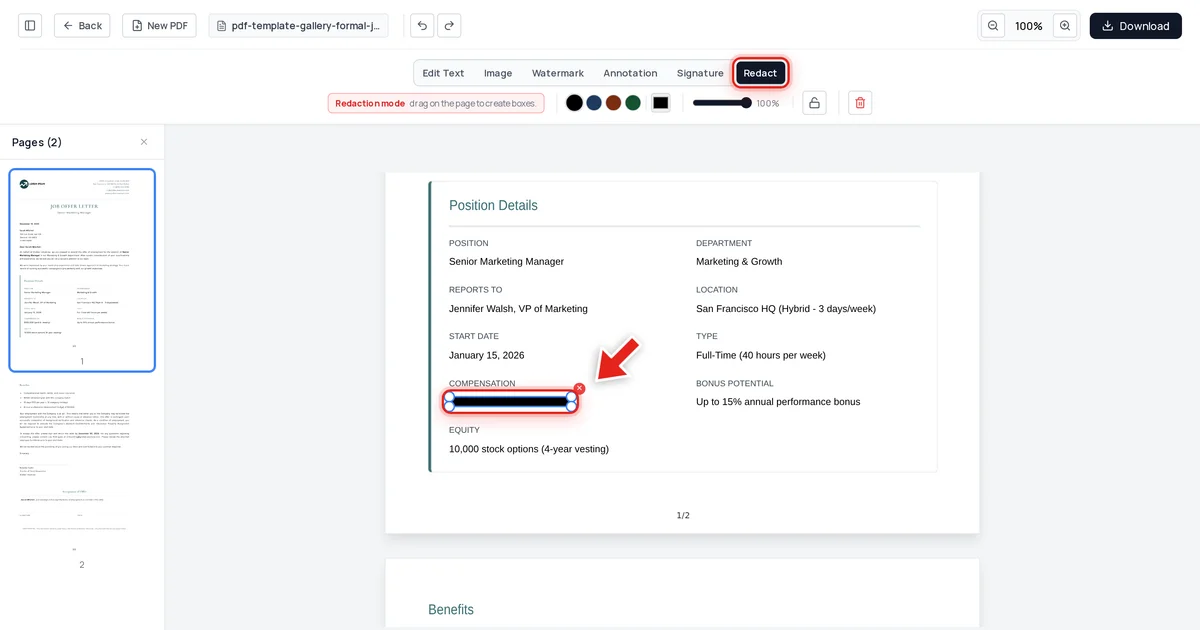
- We tested this directly: a job offer letter with the compensation figure redacted came back completely clean from text extraction, raw file data, and metadata.
- Different recipients need different levels of redaction — an auditor reviewing headcount doesn't need the same visibility as a hiring manager reviewing a candidate file.
What HR typically redacts, and for whom
| Recipient | Commonly redact |
|---|---|
| External auditor (non-compensation audit) | SSN, compensation, medical/health data |
| Legal counsel (unrelated dispute) | Unrelated employees' PII entirely |
| New manager inheriting a team | Prior compensation history, medical accommodations |
| Compliance/regulatory request | Only what the specific request covers — nothing more |
The compensation figure is one of the most commonly redacted fields in HR paperwork — it's necessary for payroll and the employee's own file, but it's rarely necessary for every party who touches a related document.
How to redact an HR document
Open the file in Online PDF Edits — drop it onto the upload area, or click Upload PDF.
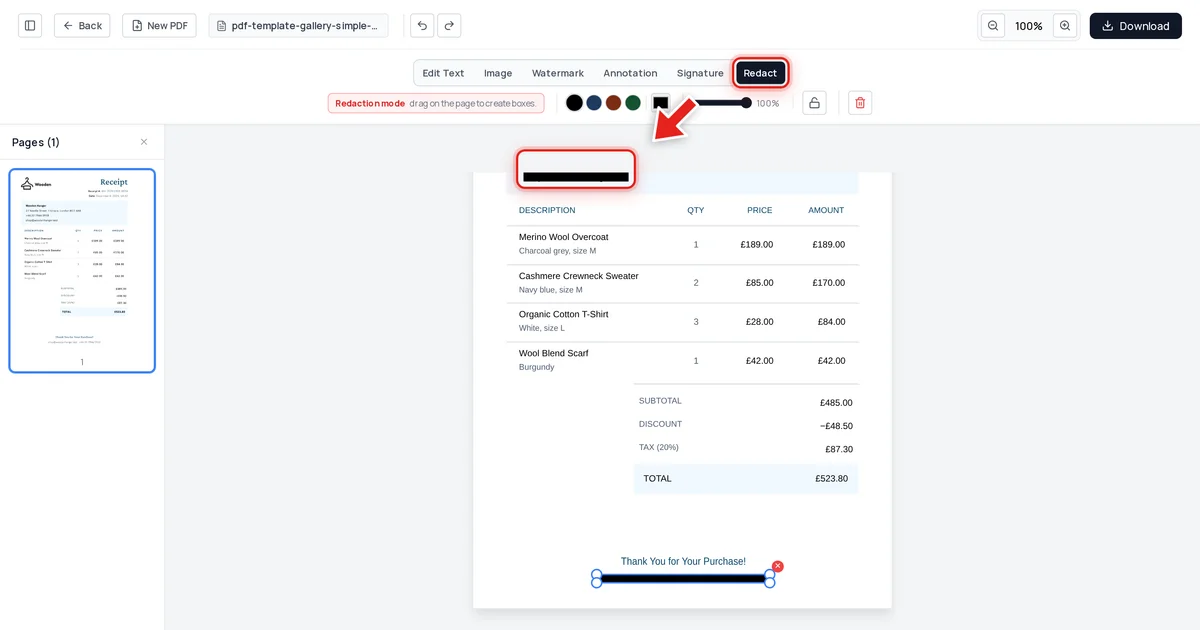
Click Redact in the toolbar:

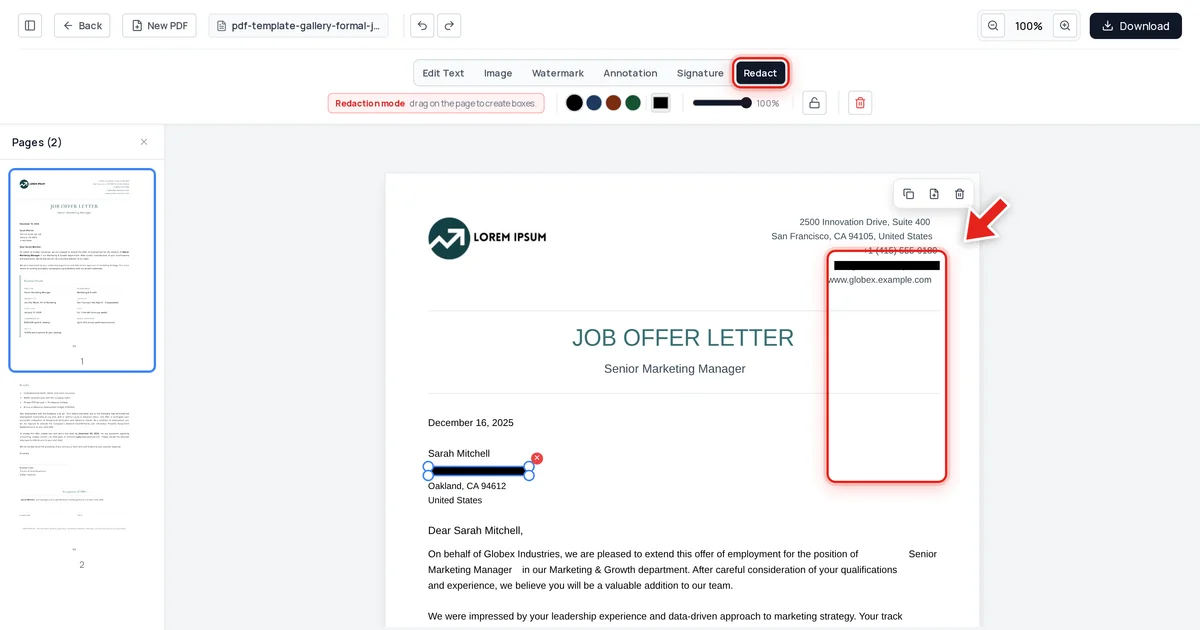
Then click and drag over the field you need to remove. A live preview shows the box growing as you drag:
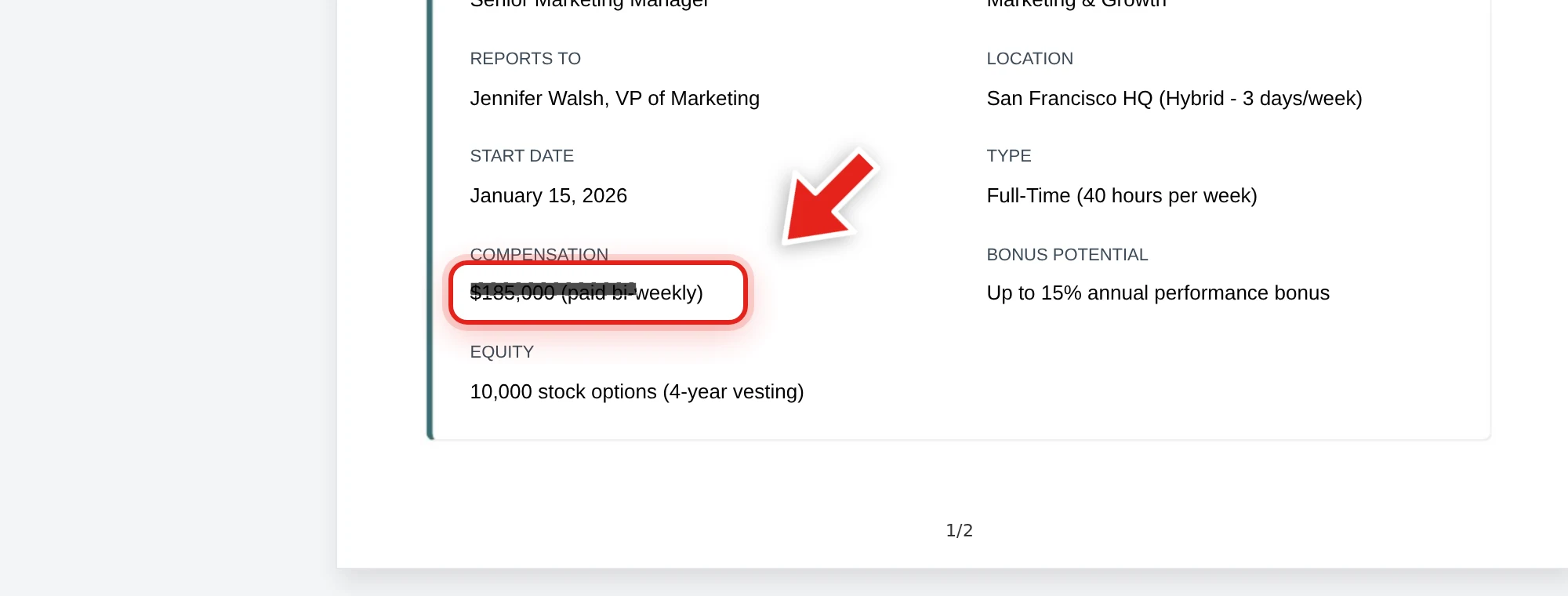
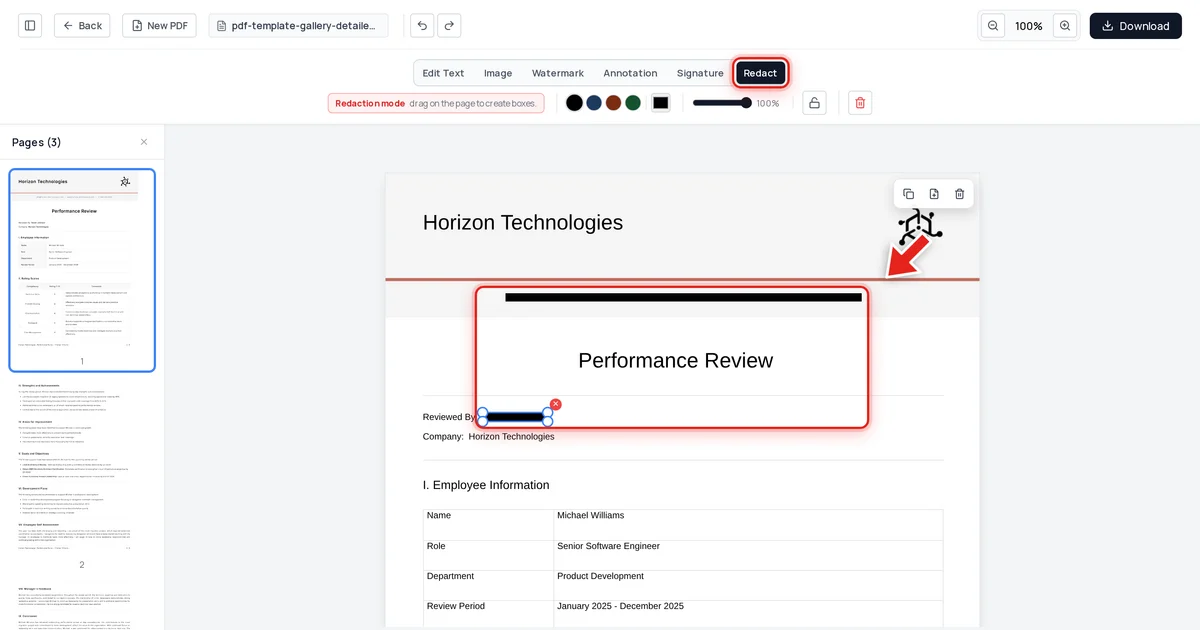
Release the mouse and a solid black bar takes its place.
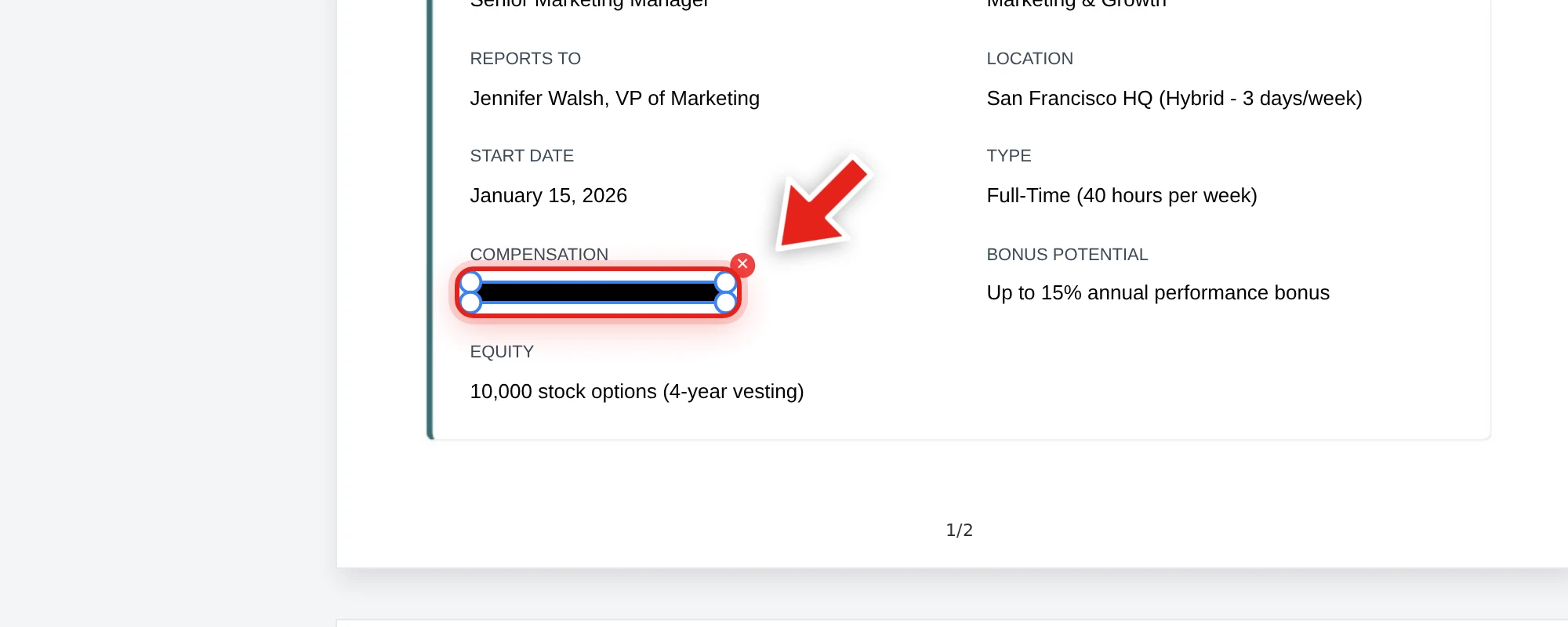
We tested this directly on the offer letter above, redacting the compensation figure. After export, we checked the extracted text from every page, the raw decompressed file data, and the embedded metadata. The figure was completely absent from all three, while the position, department, start date, and every other detail stayed exactly as they were.
Why "covered" isn't "protected"
A black box drawn over a salary figure or SSN in a PDF doesn't remove it from the file — the number is still there, selectable and copyable by anyone who tries, no different from the underlying mechanism behind several public redaction failures involving legal filings. See why black box redaction isn't safe for the specifics. Before any redacted personnel file leaves HR's hands, verify it: try to select, copy, and search the redacted area in the exported file — see our full verification guide.
During litigation or audits, redact deliberately
If a personnel file is disclosed as part of litigation or a regulatory audit, don't redact more than the specific request requires — over-redacting can look like obstruction, while under-redacting exposes data the recipient never needed. Keep a short internal note on what was redacted from each disclosed file and why; it's the same discipline used in GDPR DSAR responses and FOIA exemption redactions — document the reasoning alongside the redaction itself.
FAQ
What fields does HR typically redact from personnel files?
Depends on the recipient, but common candidates are compensation figures, SSNs or national ID numbers, medical or health-related information, and home addresses — anything the specific recipient doesn't need to do their job.
Is drawing a box over a salary figure enough to protect it?
No — the underlying number is still present in the file and can be selected, copied, or searched unless it's actually removed on export, not just visually covered.
How do I decide what to redact for a specific request?
Match the redaction to what the recipient actually needs. An auditor checking headcount doesn't need compensation details; legal counsel handling an unrelated dispute doesn't need other employees' medical information.
Does redacting a personnel file also clean its metadata?
No — metadata (author, revision history) is a separate layer and needs to be checked independently. See how to check a PDF for hidden metadata.
Should I keep an un-redacted master copy?
Yes — retain the complete original in your HR system of record, and only distribute redacted copies to specific external or internal parties who need a limited view.