What Is PDF Redaction? A Beginner's Guide
Redaction means permanently removing something from a document, not covering it up. Here's what that actually means in a PDF, and why the black box you've probably seen isn't the same thing.

If you've seen a document with black bars covering names or numbers, you've seen redaction attempted — whether or not it was actually done correctly. Here's a plain-English explanation of what PDF redaction is, what it's supposed to do, and where a lot of "redacted" documents quietly fail at it.
Key takeaways
- Redaction means permanently removing specific content from a document before sharing it — not just covering it visually.
- In a PDF, true redaction deletes the covered text from the file itself, so it can't be selected, searched, or copied out.
- A black rectangle drawn on top of text is not redaction by itself — it's only redaction if the underlying text is also removed.
- People redact PDFs before sharing them with third parties, filing them in court, publishing them, or responding to a records request — anywhere a document needs to stay mostly intact but a specific detail can't travel with it.
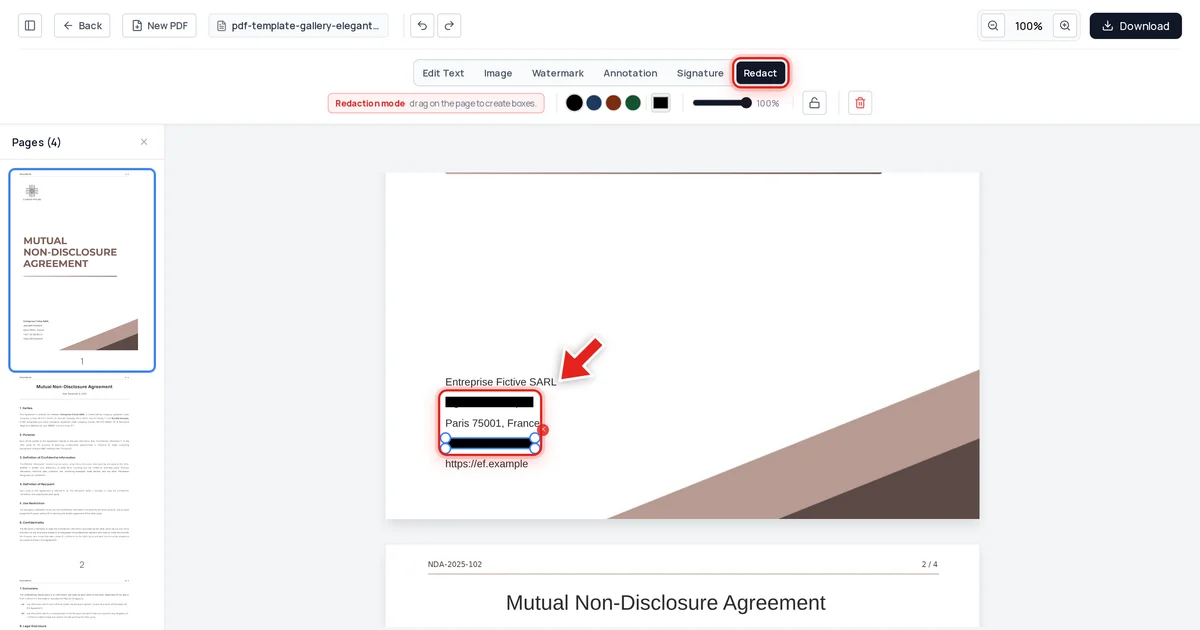
- We tested a real redaction ourselves — on the document below, the covered values were confirmed gone from the file's text, its raw data, and its metadata.
The plain-English definition
PDF redaction is the permanent removal of specific text or images from a document, while everything else in that document stays intact and readable. You're not deleting the whole file, and you're not hiding the information somewhere reversible — you're taking one or two things out for good, so the document can still be shared, filed, or published without them.
What redaction is NOT
This is where most confusion happens. A black box drawn over text, a highlighter tool set to black, a sticky note pasted over a photo, a "hide" toggle in a viewer — none of these are redaction if the underlying content is still in the file. A PDF page is really a set of drawing instructions (draw this text here, this shape there); adding a black rectangle on top just adds one more instruction without deleting the one underneath. Anyone who selects that area and copies it gets the original text back.
This isn't a hypothetical concern — it's exactly what happened in a 2019 US court filing and a 2018 court document from a well-known tech company, both of which had "redacted" sections that could be copy-pasted in full. See why black box redaction isn't safe for the full mechanics of that failure.
What actual redaction looks like
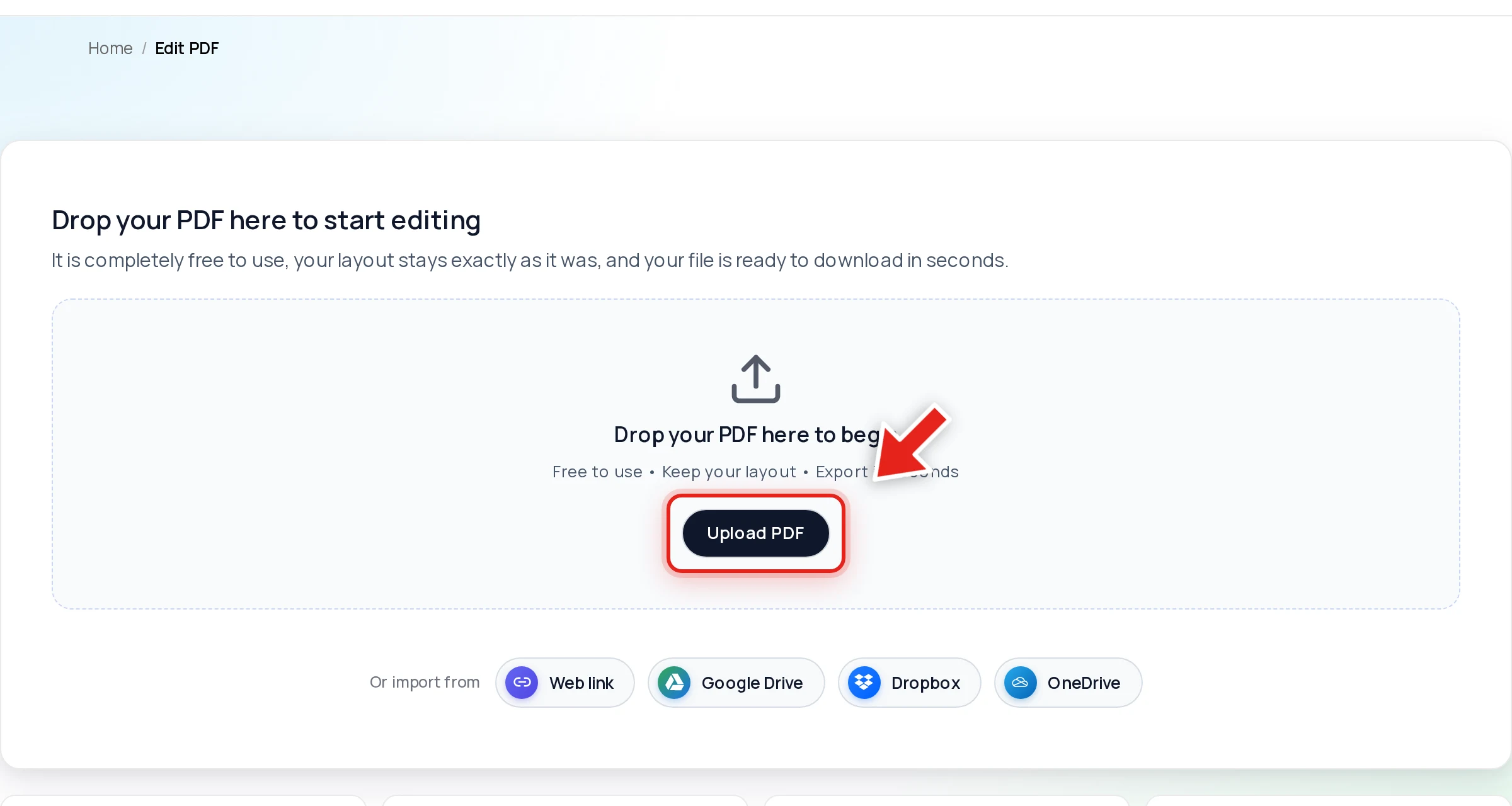
Open your PDF in Online PDF Edits — drop the file onto the upload area, or click Upload PDF.
Click Redact in the toolbar:

Then click and drag over anything that needs to disappear. A live preview shows the box growing as you drag:
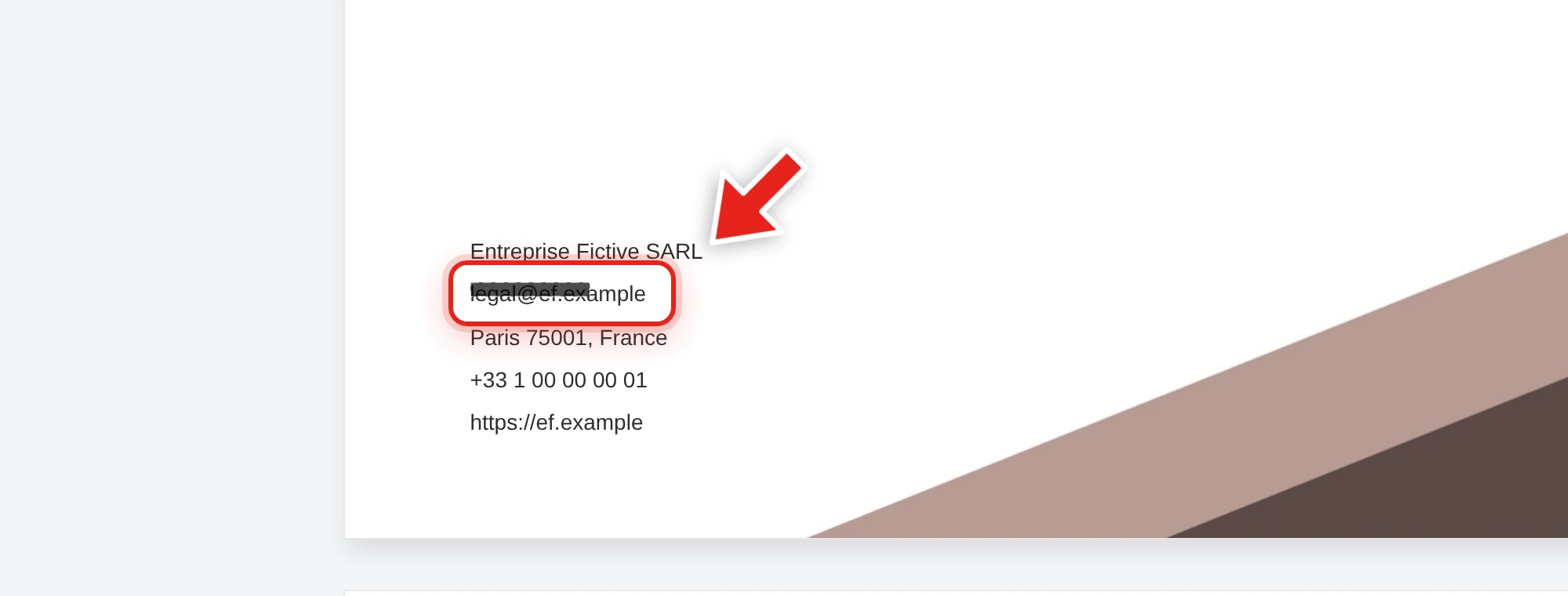
Release the mouse and a solid black bar takes its place.
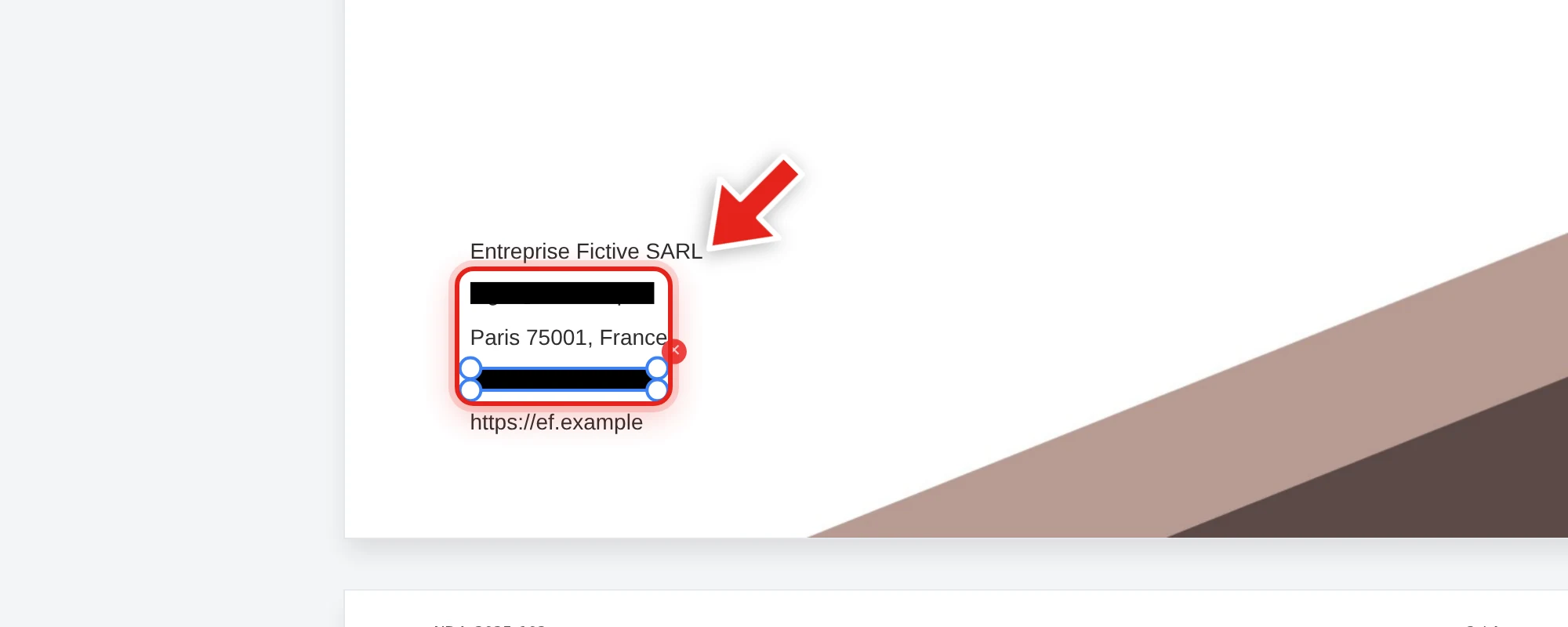
When you export, the text under that box is deleted from the PDF's actual content — not covered, removed. We tested this directly on the document above: after redacting the company's contact email and phone number and exporting, we checked all extracted text from the file, the raw decompressed file data, and the embedded metadata. Both values were completely gone from all three, while the company name, agreement reference, and every other detail stayed exactly as they were.
When people need to redact a PDF
- Sharing with a third party — a rental application, loan paperwork, or job application that only needs some of what's in a document.
- Court filings — removing privileged information or personal identifiers before something becomes part of the public record.
- Publishing or research — journalists and researchers removing anything that would identify a source or subject.
- Responding to a records request — government agencies and organizations often have to redact protected categories of information before releasing documents (see FOIA redaction and GDPR redaction for DSARs).
The one thing to always check
Whatever tool you use, redaction is only real if you can prove it. After exporting, try to click-drag select the covered area, copy it, and paste into a plain text editor. If nothing readable comes out, it worked. If text appears, the tool only drew over it — see how to verify a PDF redaction is actually secure for the full test, and how to redact a PDF permanently for the complete workflow.
FAQ
Is redaction the same as deleting a file?
No. Redaction removes specific content from within a document while the rest of the file stays intact and usable. Deleting a file removes the entire thing.
Is a black box over text considered redaction?
Only if the text underneath is also removed when you export. A black box alone just covers the text visually — the original content is usually still there, fully readable if someone selects and copies it.
Why would I need to redact a PDF instead of just not including that information?
Often the document itself — a contract, a form, a statement — is a fixed template you didn't create and can't easily regenerate without the sensitive field. Redacting after the fact is the practical way to remove one detail from an otherwise-complete document.
Can I redact images as well as text?
Yes. A redaction box works the same way over a photo, a signature, or a logo as it does over text.
Do I need special software to redact a PDF?
No — it can be done free in your browser at onlinepdfedits.com, no install or signup required.