Security & Privacy7/5/2026
iLovePDF vs OnlinePDFEdits: PDF Redaction Compared
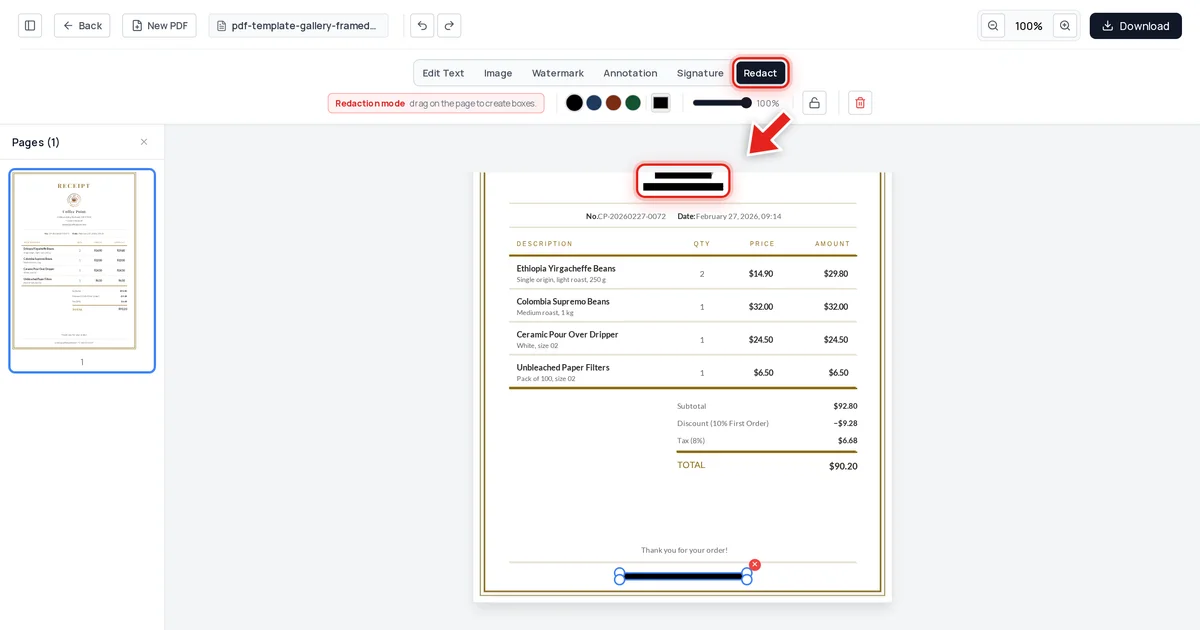
iLovePDF's redaction tool does the same basic job most online tools do — draw a box, cover the text. The question worth asking is what happens to that text when you export, not which brand's button you clicked.
Read article →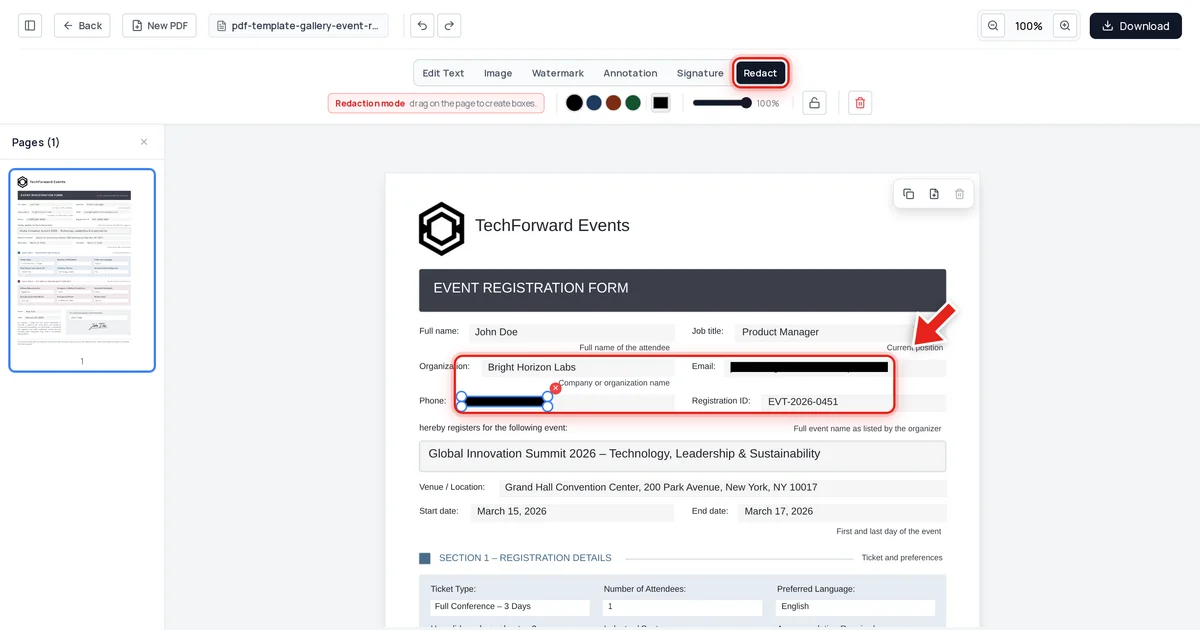
Security & Privacy7/5/2026
How to Check If Your PDF Redaction Is Actually Secure
A redaction that "looks right" isn't the same as a redaction that's actually safe. Here's the exact test to run on any PDF, from any tool, before you send it anywhere.
Read article →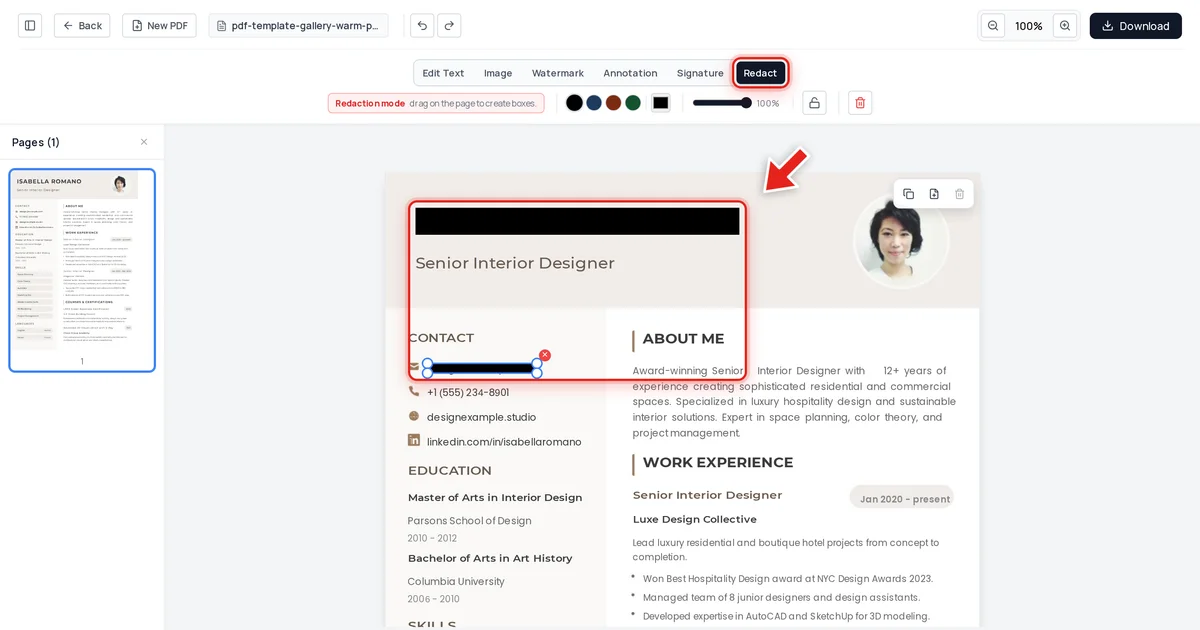
Security & Privacy7/5/2026
How to Redact a Resume or CV for Blind Hiring
Blind hiring works by removing the details that trigger unconscious bias before a resume reaches a hiring manager — name, photo, contact info. Here's how to do that permanently, not just visually.
Read article →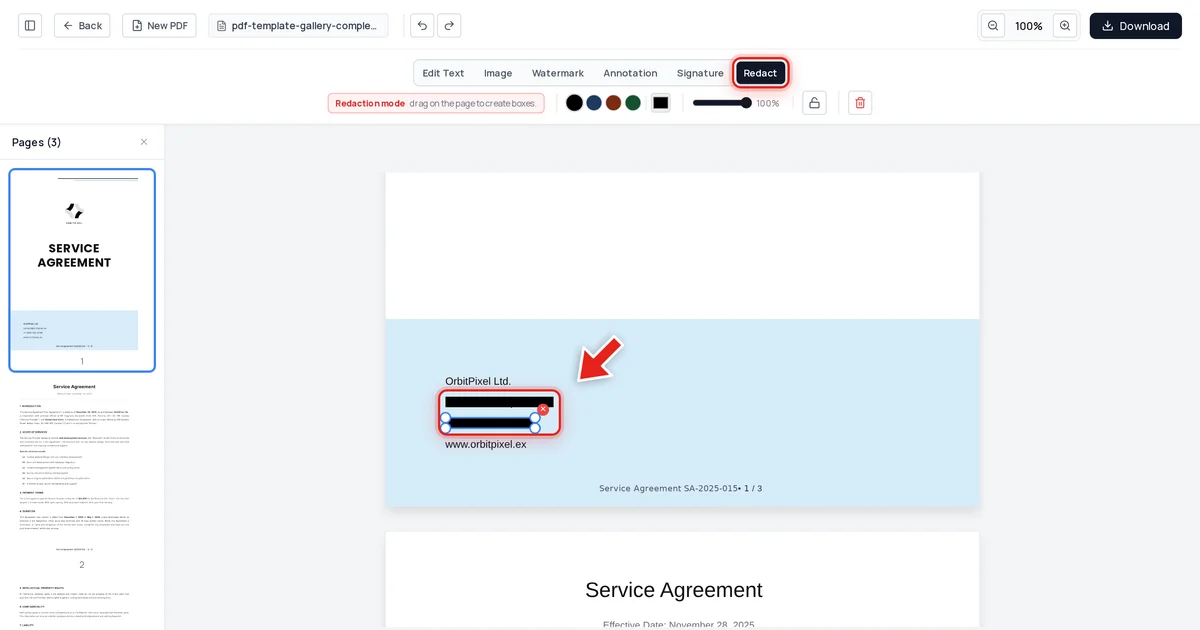
Security & Privacy7/5/2026
How to Redact Legal Documents Correctly (Lessons From Famous Failures)
A single incorrectly redacted court filing can expose privileged information, trigger sanctions, and make headlines. Here's how to redact legal documents so the underlying text truly can't be recovered.
Read article →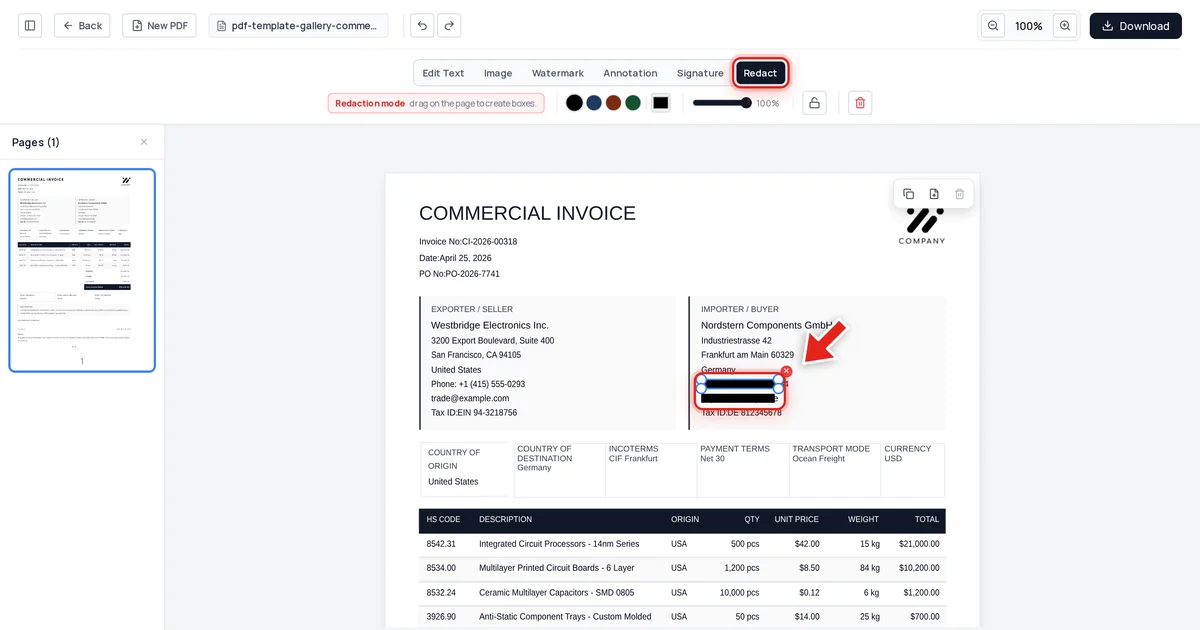
Security & Privacy7/5/2026
How to Redact Insurance Documents and Claims Safely
An Explanation of Benefits or claims file carries policy numbers, contact details, and often health information — most of it unnecessary for whoever you're sharing the document with next.
Read article →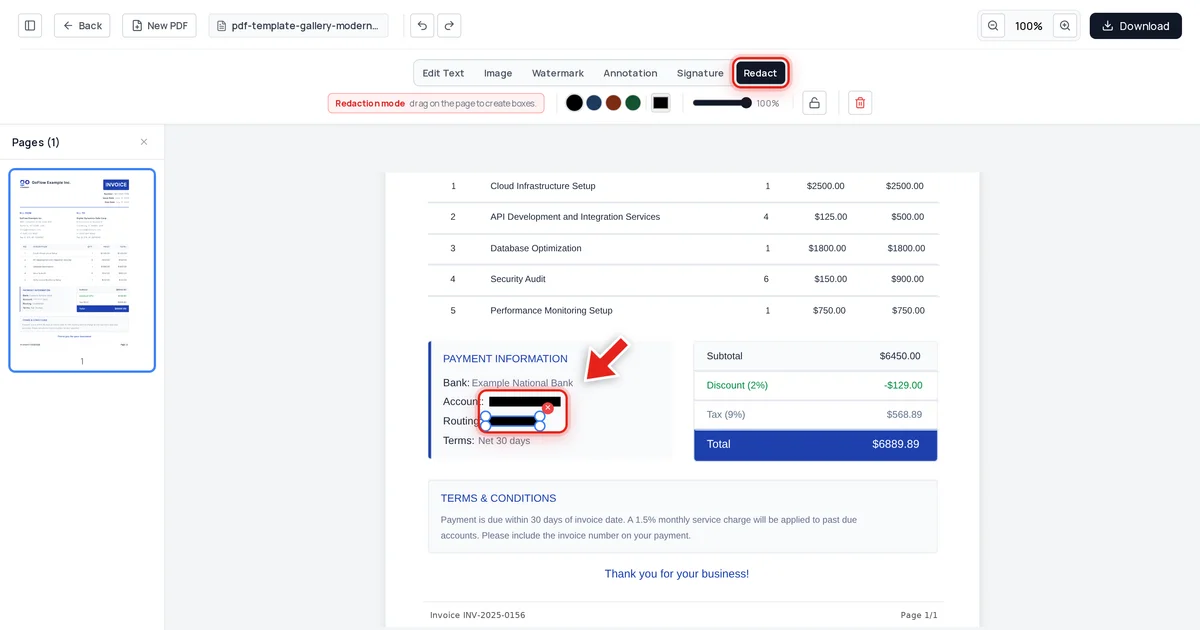
Security & Privacy7/5/2026
How to Redact a Bank Statement PDF Safely Before Sharing
A rental application, loan, or visa often asks for a bank statement — but not your full account and routing numbers. Here's how to redact just those, permanently, while keeping the rest of the document readable.
Read article →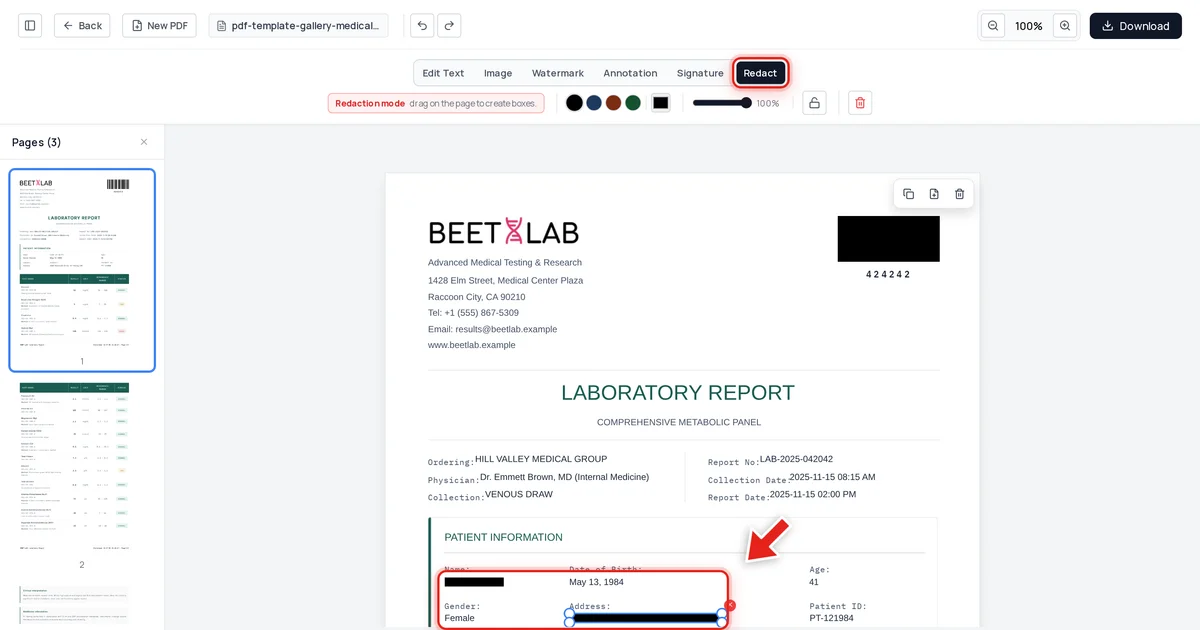
Security & Privacy7/5/2026
GDPR Redaction: What to Remove Before Responding to a DSAR
A Subject Access Request means disclosing someone's personal data — but any third party mentioned in the same documents has to be protected first. Here's what to redact, and how to make sure it's actually removed.
Read article →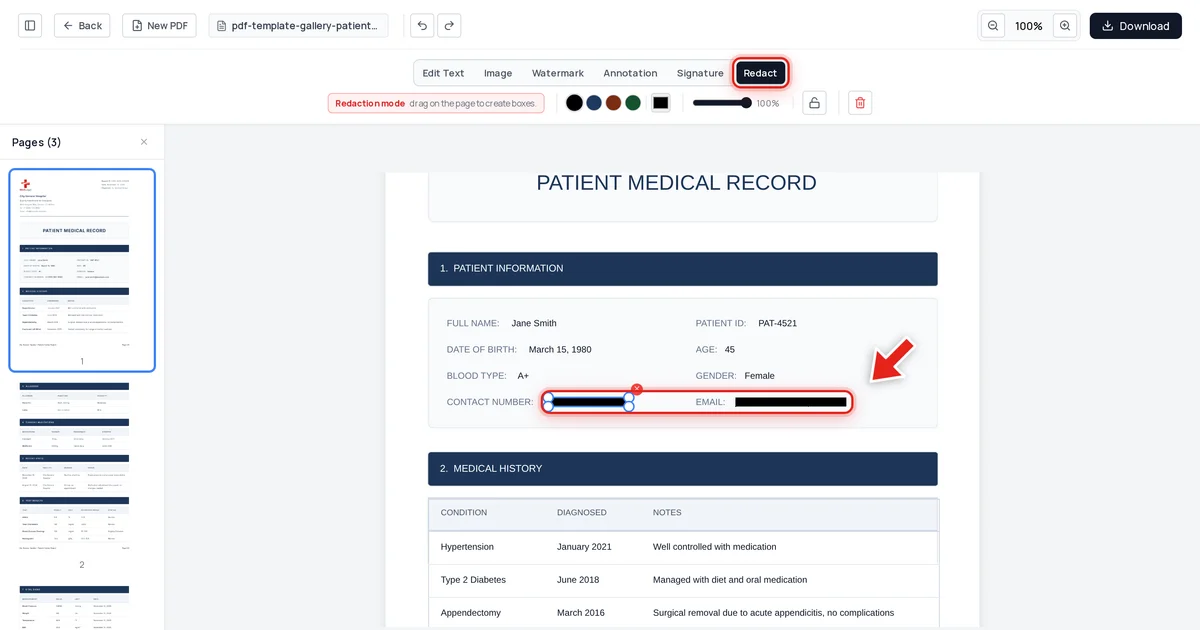
Security & Privacy7/5/2026
Foxit Smart Redact vs OnlinePDFEdits: AI Redaction Compared
Foxit's Smart Redact adds AI detection on top of a Foxit PDF Editor+ subscription. If what you actually need is permanent removal of the fields you already know about, that's a lot of product to buy for it.
Read article →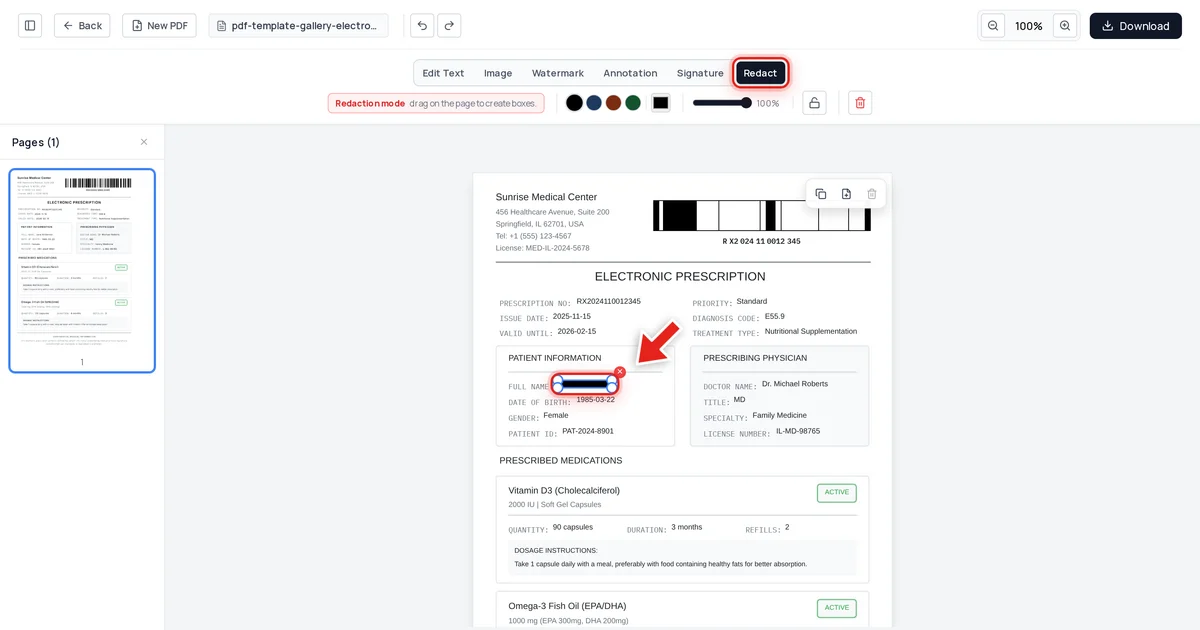
Security & Privacy7/5/2026
FOIA Redaction Explained: Exemptions and How to Black Out Records
FOIA doesn't mean everything gets disclosed — nine exemptions let agencies withhold specific categories of information. Here's what they cover, and how to redact a document permanently once you've decided what to remove.
Read article →