Troubleshooting & Fixes8/17/2026
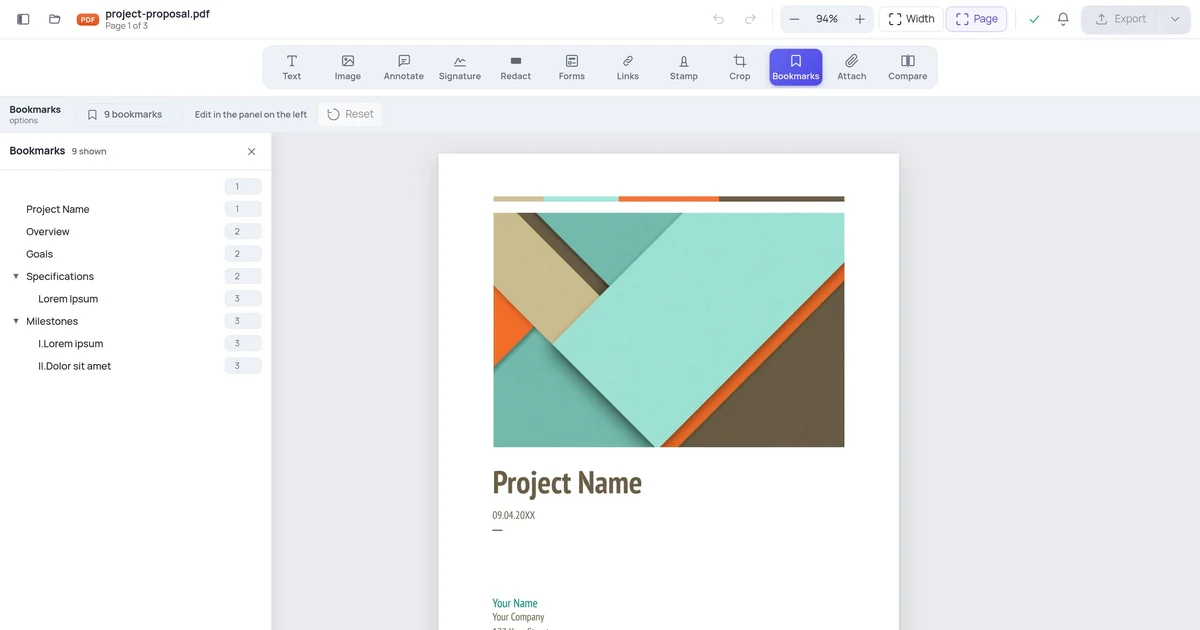
How to Fix PDF Bookmarks That Point to the Wrong Pages
Insert one page near the front of a PDF and every bookmark after it is now off by one. Here's why that happens, and how to repoint the whole outline without rebuilding it.
Read article →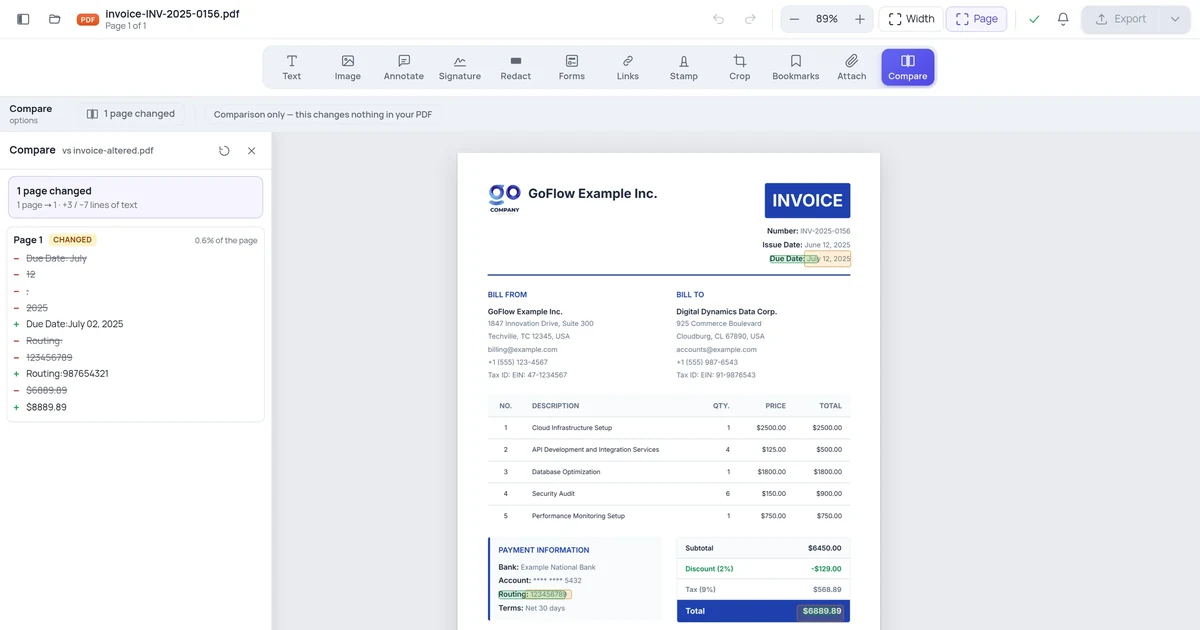
Security & Privacy8/17/2026
How to Check Whether a PDF You Received Was Altered
An invoice arrives with different bank details than you remember. A contract comes back from the other side with a clause that reads slightly differently. Here's how to find every change in seconds.
Read article →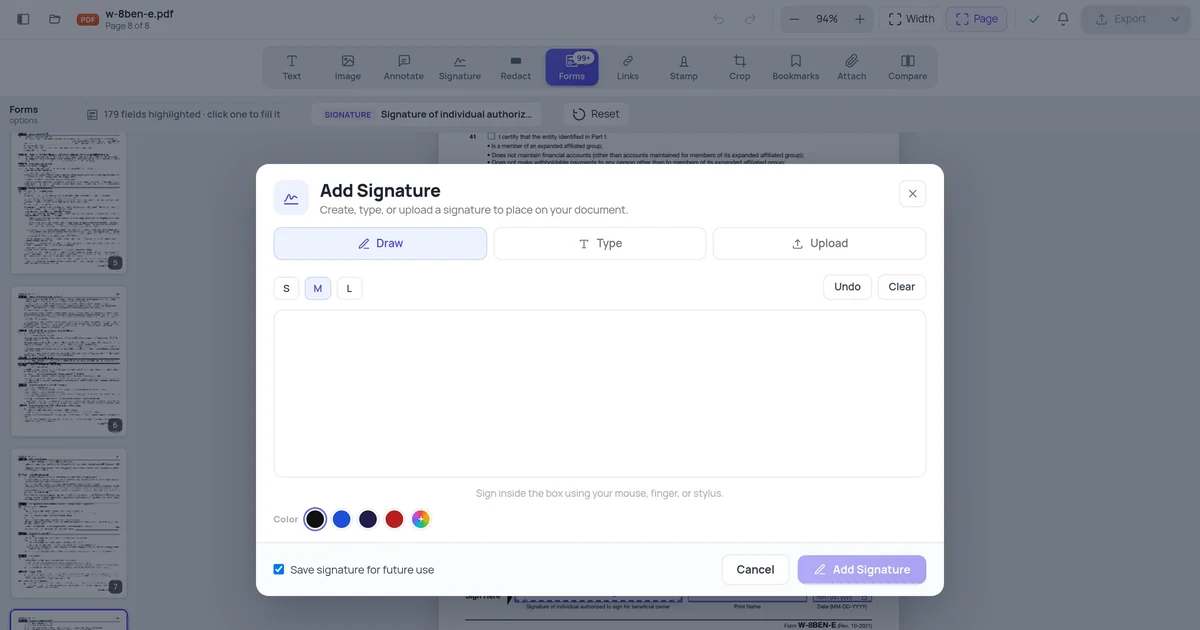
Signatures & E-Signing8/17/2026
How to Sign a PDF Form That Has a Signature Field
Official forms often contain a real signature field rather than a printed line. Here's how to find it, sign in exactly the right place, and return the document.
Read article →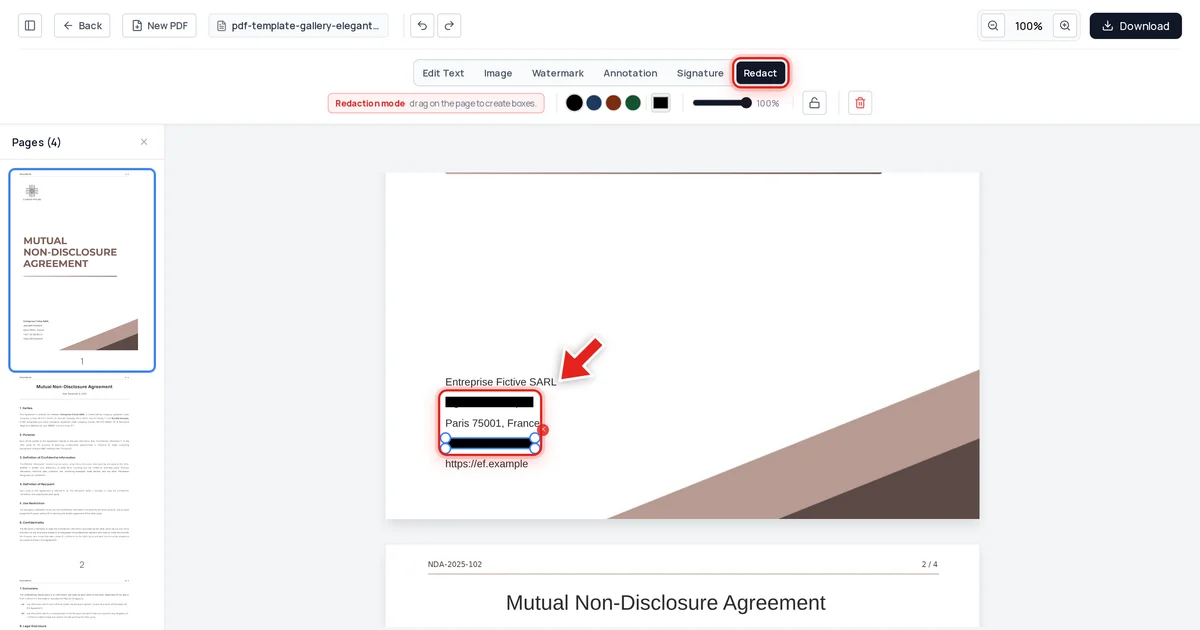
Security & Privacy7/5/2026
What Is PDF Redaction? A Beginner's Guide
Redaction means permanently removing something from a document, not covering it up. Here's what that actually means in a PDF, and why the black box you've probably seen isn't the same thing.
Read article →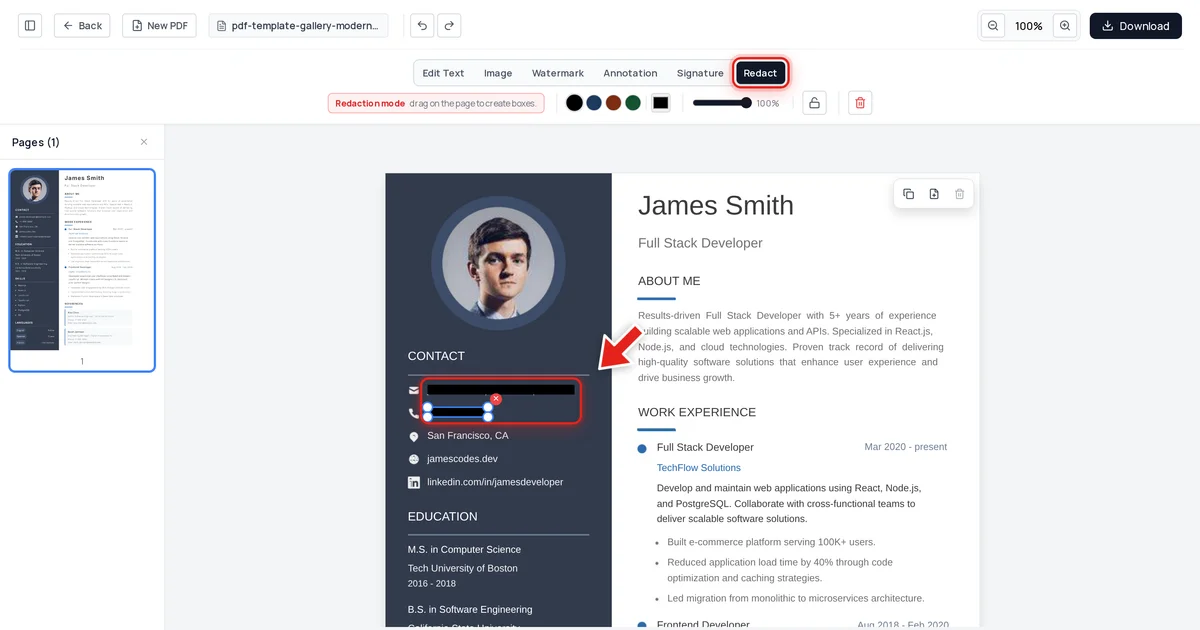
Security & Privacy7/5/2026
Smallpdf vs OnlinePDFEdits for PDF Redaction: Which Truly Removes Data?
Both tools let you draw a box over sensitive text. The question that actually matters is what happens to that text when you export — here's how to check, on either tool, before you trust the result.
Read article →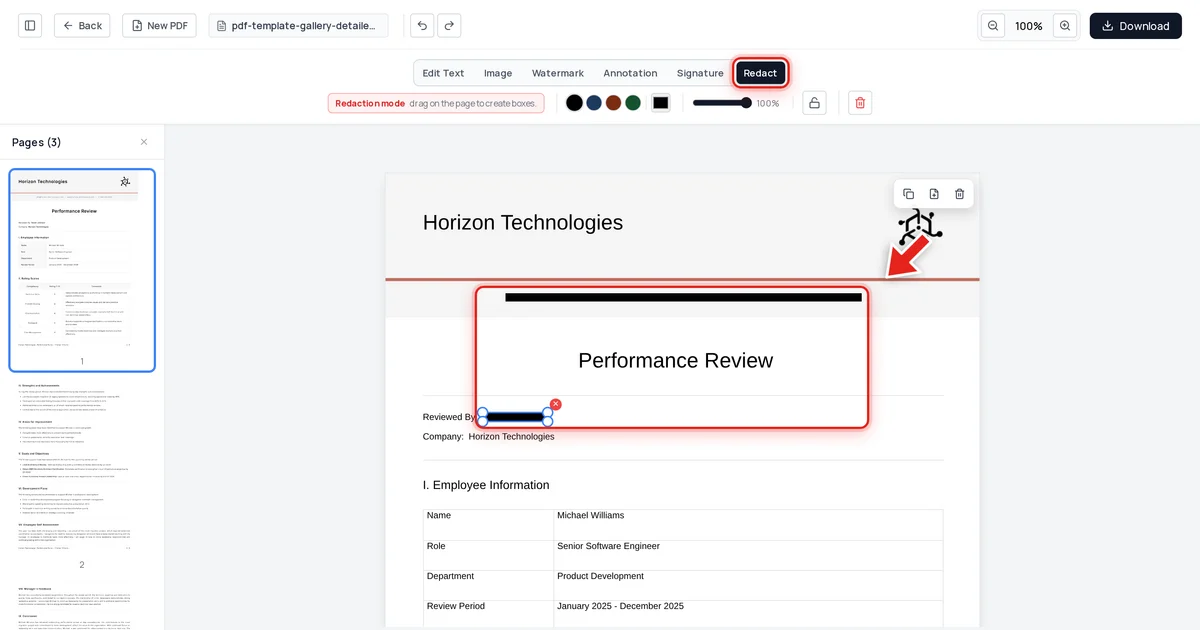
Security & Privacy7/5/2026
Redaction vs Masking vs Deletion: What's the Difference?
These three terms get used interchangeably, but they solve different problems — one hides a value reversibly, one removes it permanently, one removes it entirely. Knowing which one you actually need matters for compliance.
Read article →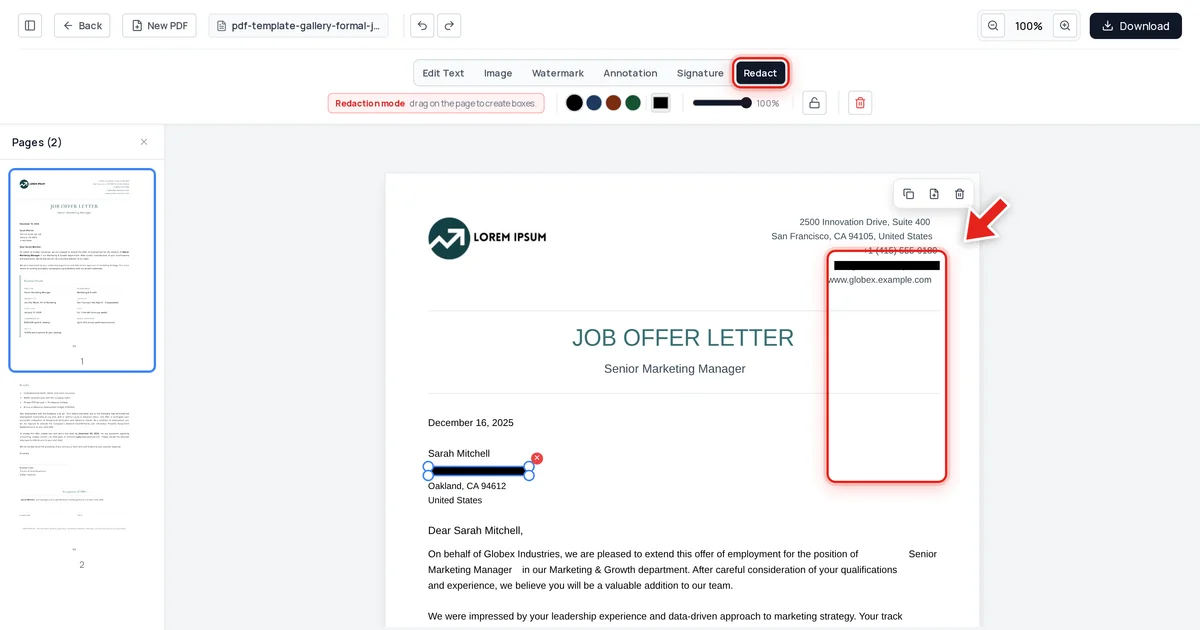
Security & Privacy7/5/2026
How to Redact a PDF Without Adobe Acrobat (Free, In Your Browser)
Acrobat Pro costs up to $359.88 a year and most of that subscription has nothing to do with redaction. Here's how to permanently redact a PDF free, in your browser, in under a minute.
Read article →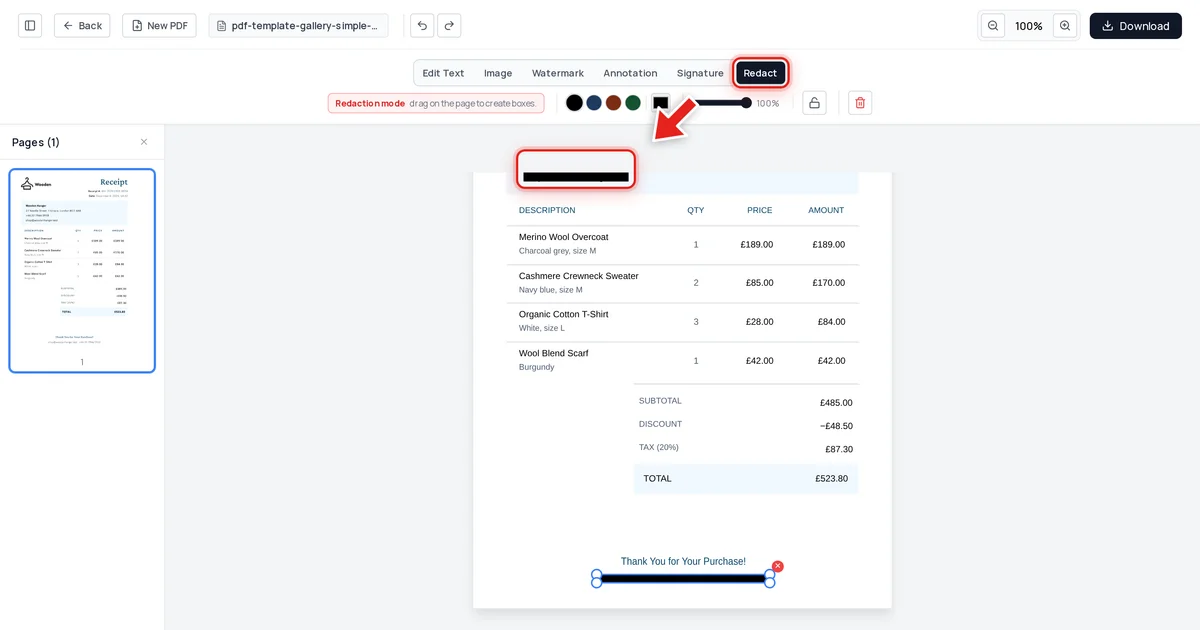
Security & Privacy7/5/2026
How to Redact a PDF for Free Online (No Sign-Up, No Watermark)
Redacting a PDF shouldn't require an account, a subscription, or a watermark on your finished document. Here's the free way — permanent removal, verified, in under a minute.
Read article →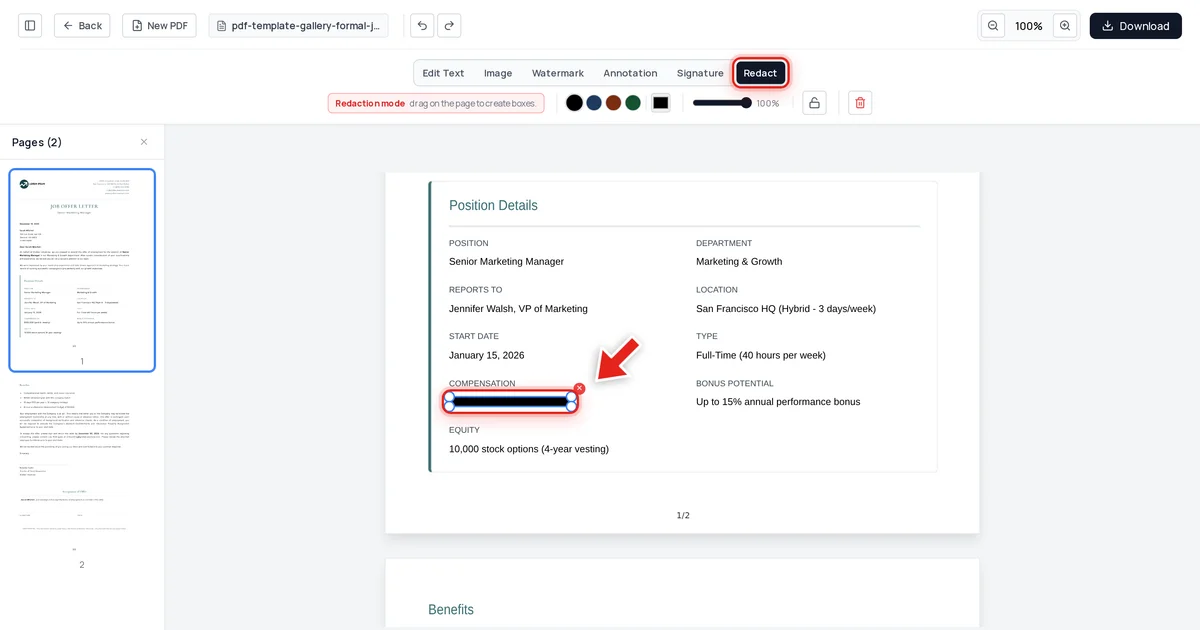
Security & Privacy7/5/2026
HR Document Redaction: Protecting Employee PII in Personnel Files
HR files move constantly — to auditors, insurers, legal counsel, new managers. Every one of those transfers is a chance to expose more than the recipient actually needs to see.
Read article →