
Security & Privacy7/5/2026
How to Redact PDFs for FERPA Compliance (Student Records)
A transcript, certificate, or class roster released to one student or a researcher often names other students too. FERPA requires that data come out — permanently — before anything goes out the door.
Read article →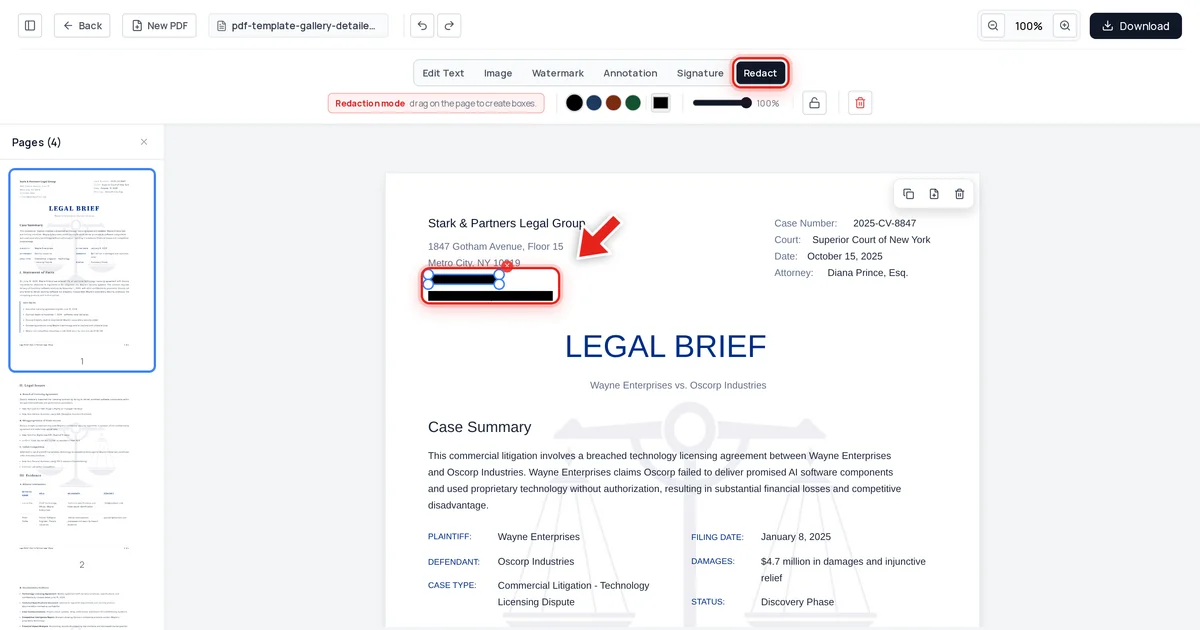
Security & Privacy7/5/2026
The Epstein Files Redaction Failure Explained
When the DOJ released nearly 30,000 Epstein-related documents in December 2025, some "redacted" text turned out to be recoverable with a simple copy and paste. Here's what actually happened — and how to make sure it never happens to your PDFs.
Read article →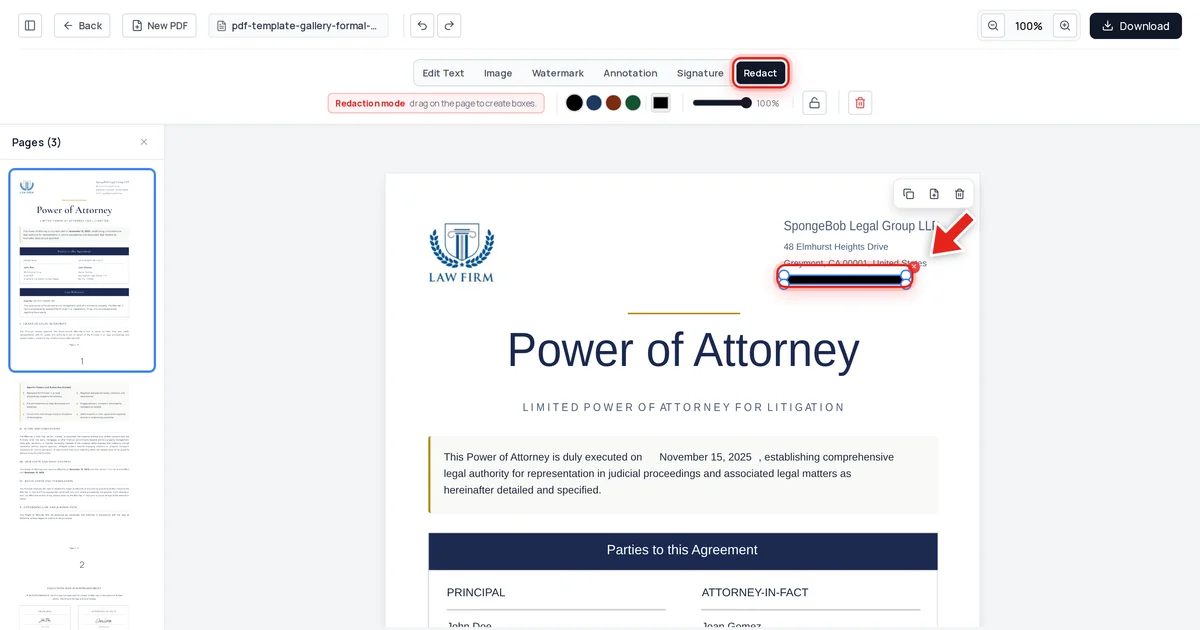
Security & Privacy7/5/2026
Black Box Redaction Isn't Safe (Why "Blacked-Out" PDFs Still Leak Text)
A solid black rectangle over text looks like redaction, but the words underneath are usually still there — selectable, searchable, and copyable. Here's why the black box fails, and what a real redaction control looks like instead.
Read article →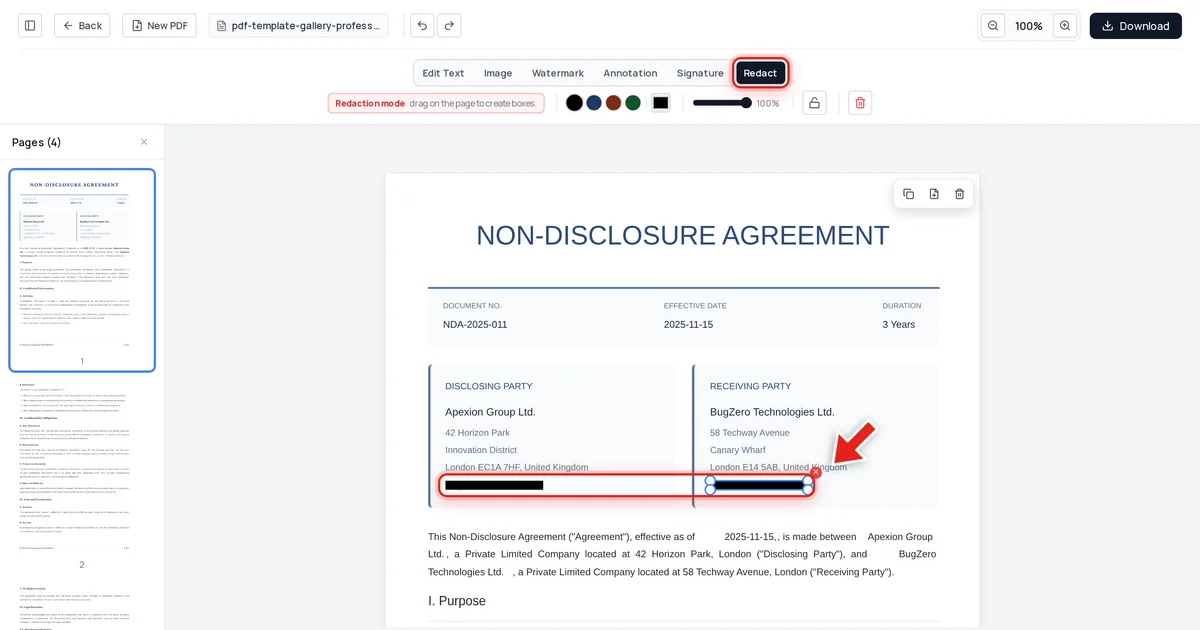
Security & Privacy7/5/2026
Adobe Acrobat Redaction vs True Redaction: What's the Difference?
Acrobat's redaction tool can do the job correctly — but only if you find the right feature, run Sanitize Document afterward, and don't hit one of its known bugs. Here's exactly what "true redaction" requires, side by side.
Read article →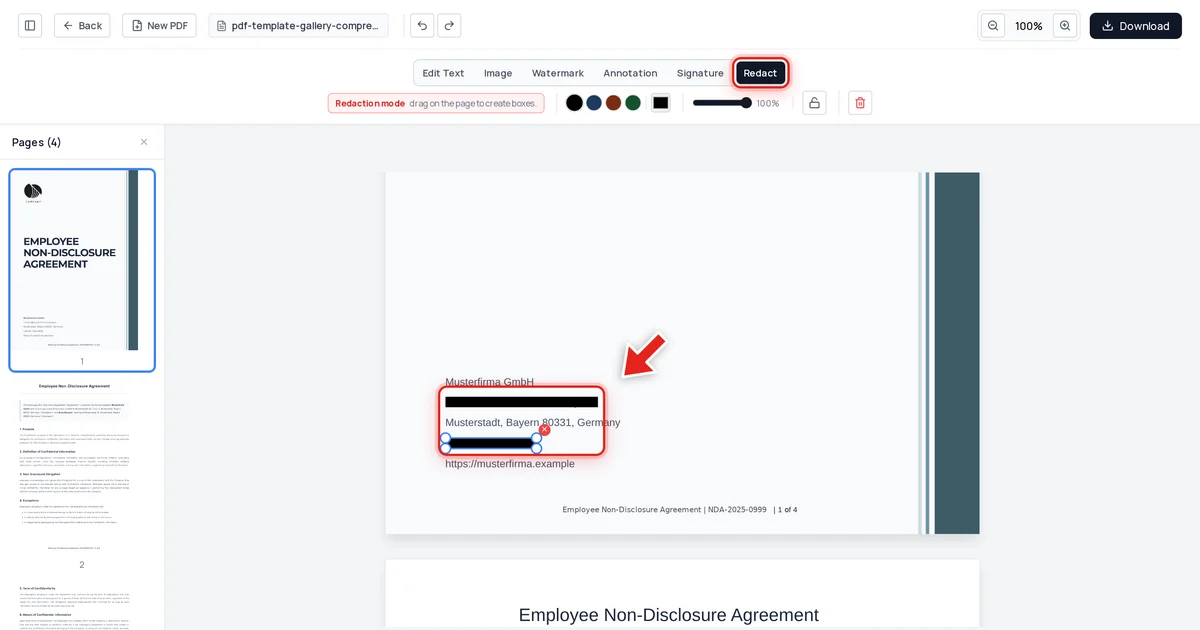
Security & Privacy7/4/2026
How to Redact a PDF Permanently (So Text Can't Be Recovered)
Drawing a black box over text is not redaction — the words underneath are still there. This guide shows how to redact a PDF permanently, in your browser, and how to prove the data is really gone.
Read article →
Security & Privacy6/30/2026
How to View and Remove Hidden Metadata from PDF Files
Before you share a PDF, check what's hiding inside it. Author names, GPS coordinates, and revision history are often embedded invisibly in the file.
Read article →
Security & Privacy6/30/2026
PDF Security 101: Passwords, Encryption and Safe Sharing
Two PDF password types, AES-256 encryption explained plainly, and practical rules for sharing sensitive documents without exposing them.
Read article →
Security & Privacy6/30/2026
Best PDF Redaction Tools in 2026: Compared and Tested
Not every redaction tool actually deletes the text — some just draw a black box over it. Here's how to tell the difference and which tools get it right.
Read article →
Security & Privacy6/30/2026
Ultimate Guide to PDF Redaction: Remove Sensitive Data Permanently
Placing a black box over text doesn't delete it. Learn what true PDF redaction is, why it fails, and how to do it correctly.
Read article →