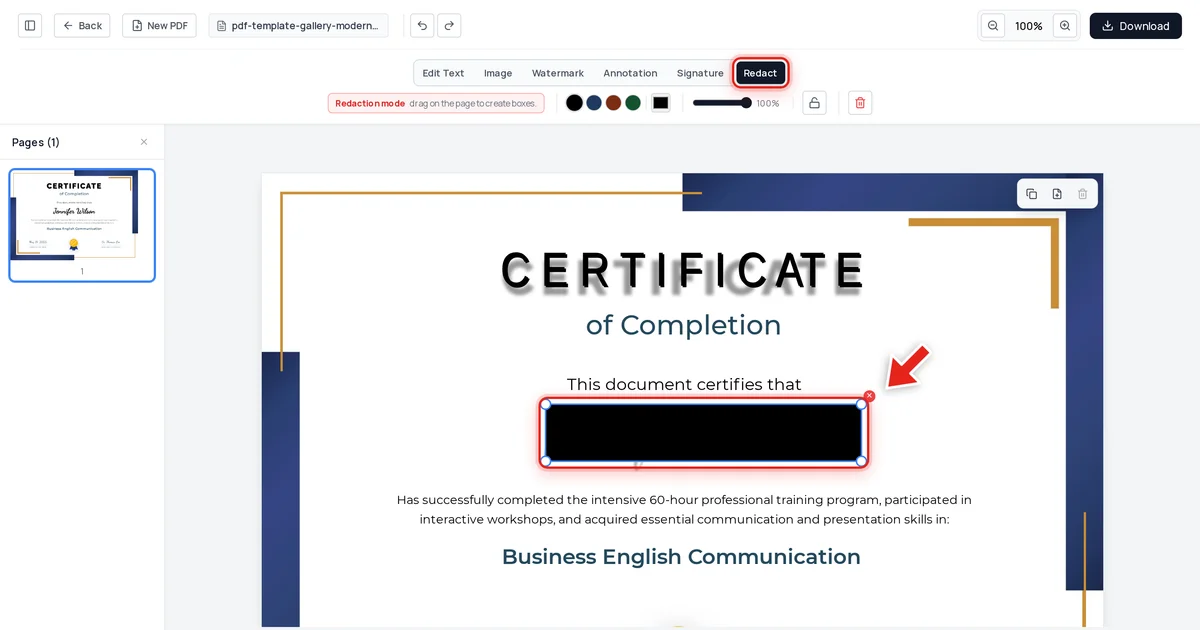
Security & Privacy7/5/2026
How to Redact PDFs for FERPA Compliance (Student Records)
A transcript, certificate, or class roster released to one student or a researcher often names other students too. FERPA requires that data come out — permanently — before anything goes out the door.
Read article →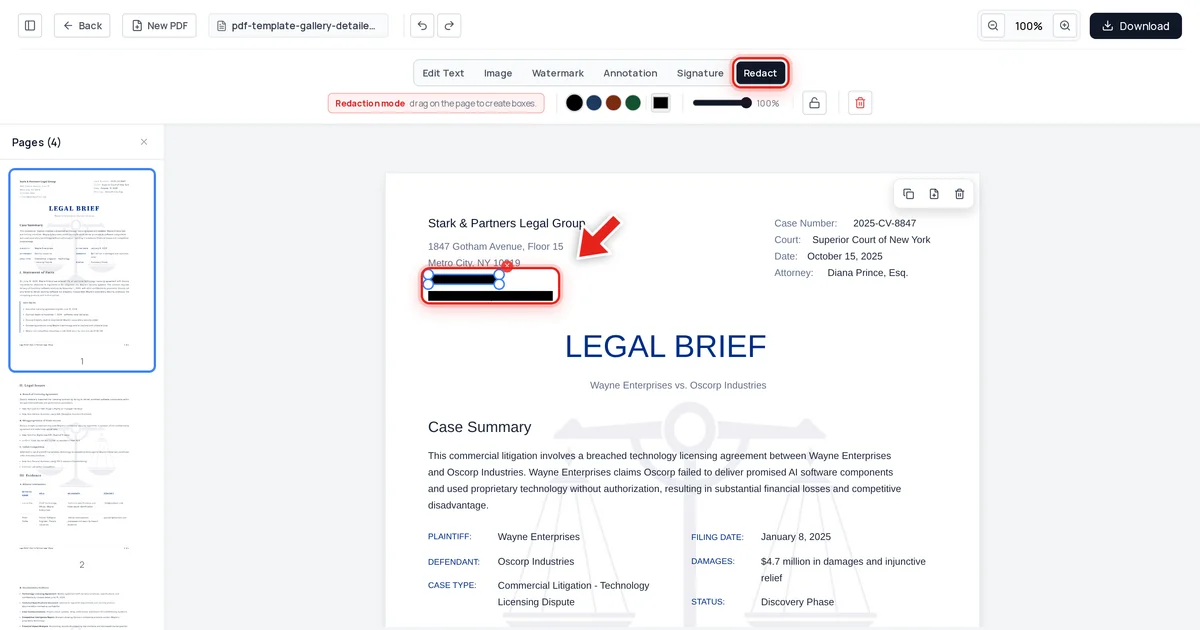
Security & Privacy7/5/2026
The Epstein Files Redaction Failure Explained
When the DOJ released nearly 30,000 Epstein-related documents in December 2025, some "redacted" text turned out to be recoverable with a simple copy and paste. Here's what actually happened — and how to make sure it never happens to your PDFs.
Read article →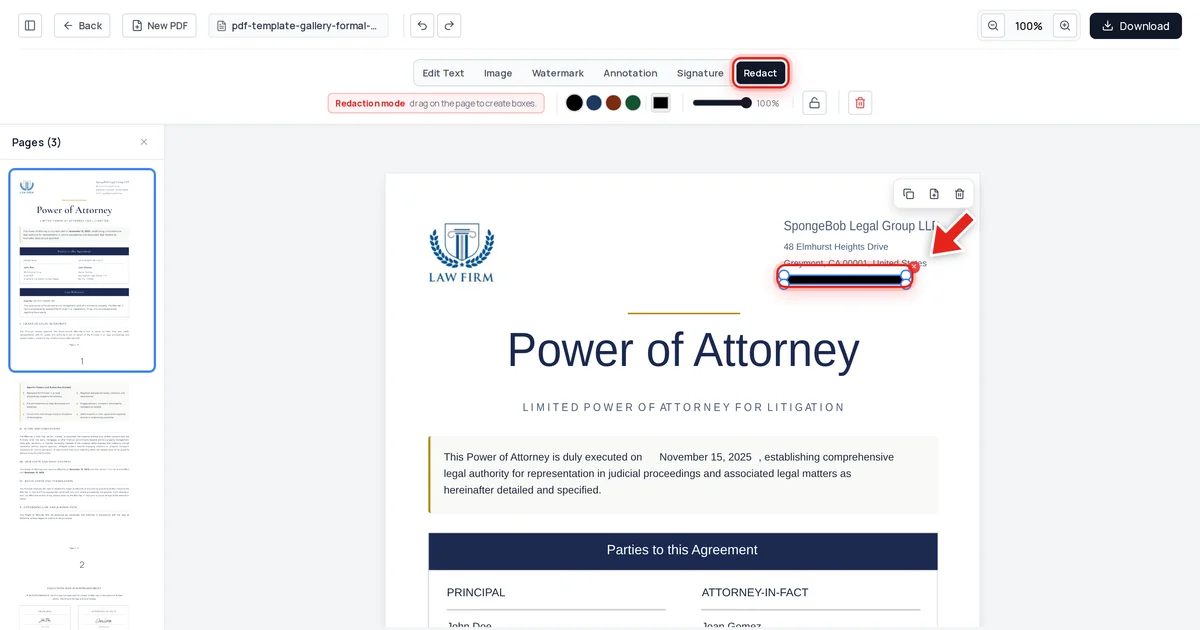
Security & Privacy7/5/2026
Black Box Redaction Isn't Safe (Why "Blacked-Out" PDFs Still Leak Text)
A solid black rectangle over text looks like redaction, but the words underneath are usually still there — selectable, searchable, and copyable. Here's why the black box fails, and what a real redaction control looks like instead.
Read article →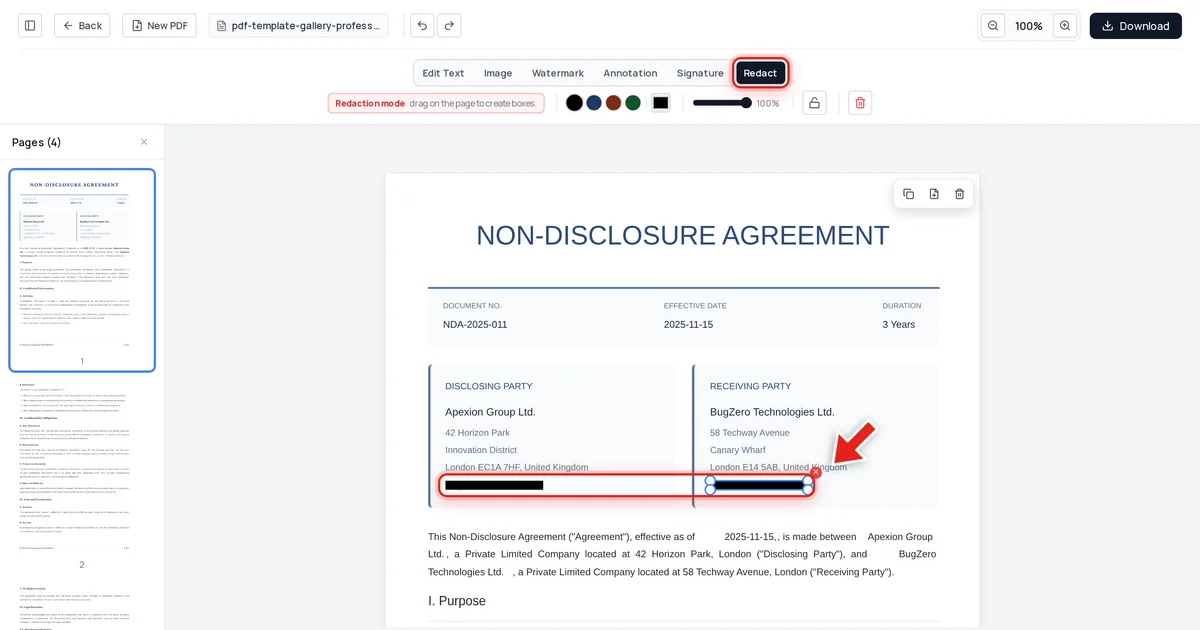
Security & Privacy7/5/2026
Adobe Acrobat Redaction vs True Redaction: What's the Difference?
Acrobat's redaction tool can do the job correctly — but only if you find the right feature, run Sanitize Document afterward, and don't hit one of its known bugs. Here's exactly what "true redaction" requires, side by side.
Read article →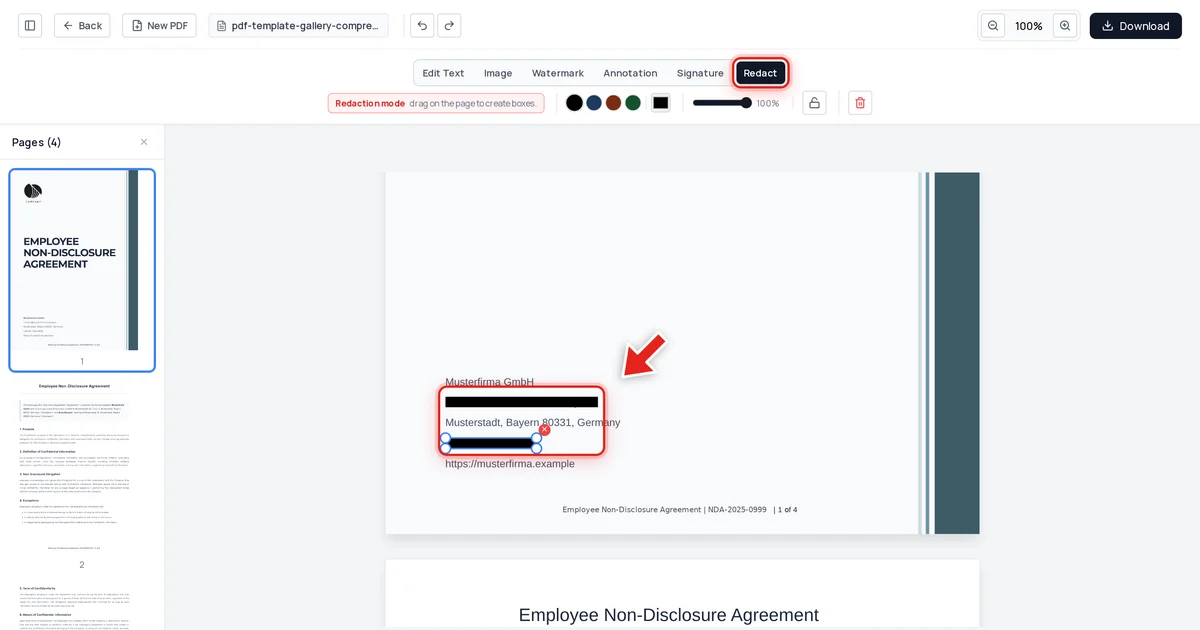
Security & Privacy7/4/2026
How to Redact a PDF Permanently (So Text Can't Be Recovered)
Drawing a black box over text is not redaction — the words underneath are still there. This guide shows how to redact a PDF permanently, in your browser, and how to prove the data is really gone.
Read article →
Signatures & E-Signing7/2/2026
How to Verify a Digital Signature in a PDF (2026)
A PDF signature panel that shows a name proves nothing on its own. Here's how to actually verify a digital signature and what the different status messages mean.
Read article →
Troubleshooting & Fixes7/2/2026
Safari PDF Viewer Problems: Fix Mac & iPhone Issues (2026)
Safari PDF problems on Apple Silicon Macs and iOS behave differently from Chrome or Edge issues — here's what's different and how to fix each failure mode.
Read article →
PDF Forms7/2/2026
How to Fill Out a PDF Job Application (2026)
Some job application PDFs have clickable form fields. Others are flat images. Here's how to fill in both types — and how to submit them properly.
Read article →
Troubleshooting & Fixes7/2/2026
How to Edit a Scanned Invoice PDF (2026)
A scanned invoice is a photo of paper — editing it requires OCR to convert the image to real text first. Here's the fastest path from scan to editable content.
Read article →